








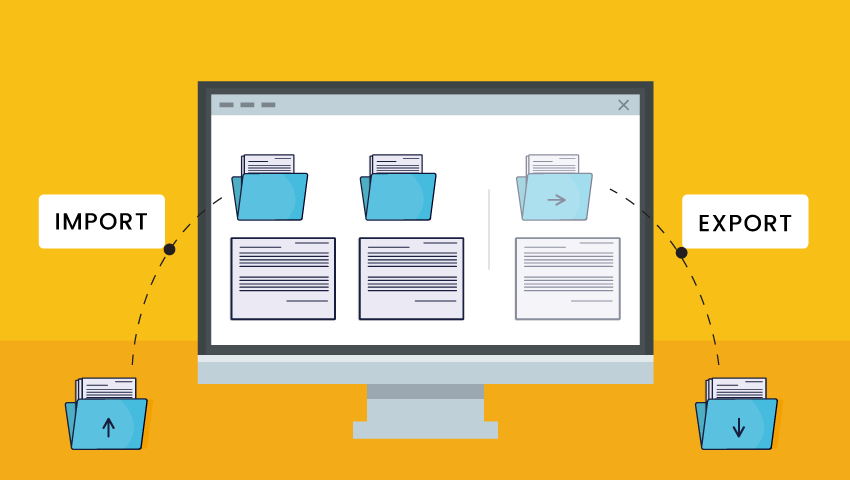

Follow the below steps to export a solution from Dynamics CRM.
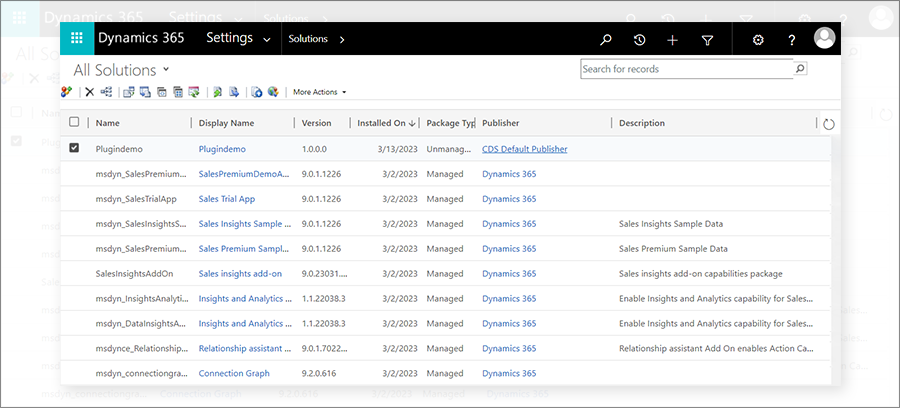
Step 1: Go to Setting > Solution.
In the list, select the solution you want to export and click Export Button.
By default, every solution is created as an unmanaged solution. For example, you can create new entities, forms, fields, etc., in the context of this new solution.
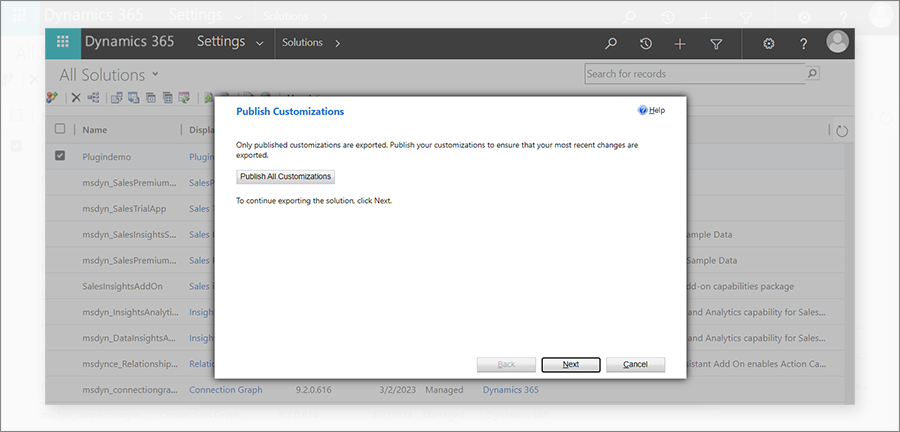
Step 2: Click on Publish All Customizations. It will take time to publish after it completes; click on Next.
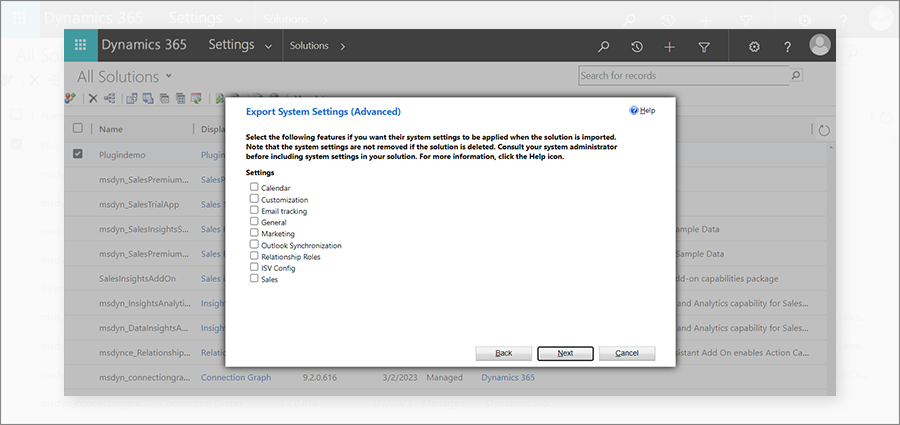
Step 3: On click of the Next button, it will open Export System Settings (Advanced). you can choose system settings to include in your solution. Select them and click Next.
Step 4: It will open a pop-up to select Package Type; select the type whether the user wants an unmanaged or managed package. For example, export an unmanaged solution. Click Next.
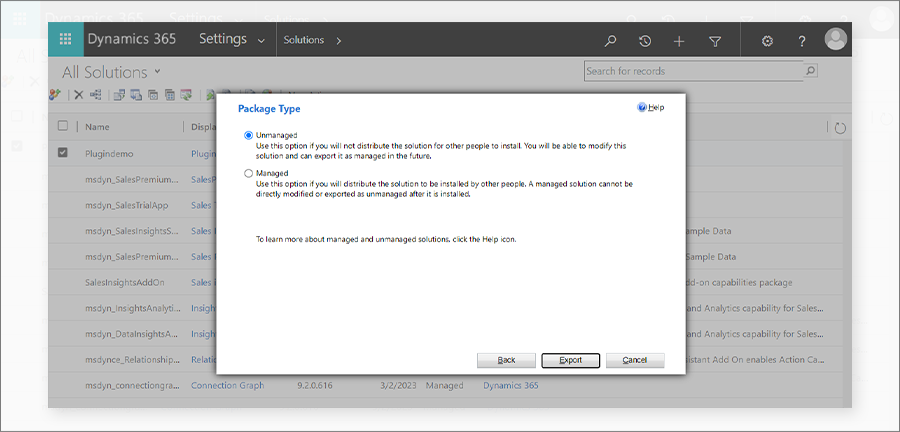
Step 5: Click on the Export button to download the solution file. Save your zip file.
Step 6: After a few seconds, it will download the package in the Downloads folder of your system.
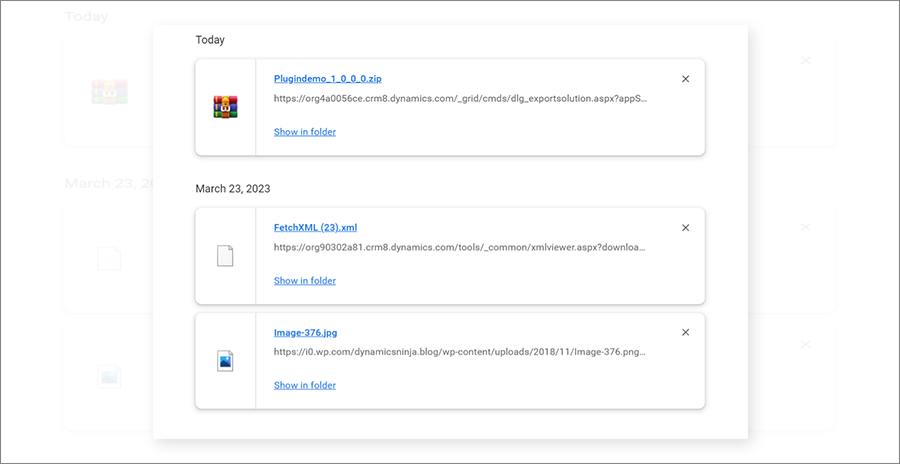
So this is how users can export a solution as unmanaged or managed.
All product and company names are trademarks™, registered® or copyright© trademarks of their respective holders. Use of them does not imply any affiliation with or endorsement by them.