







ui-editor

Access CRM Data Anytime, Anywhere

Stay connected on the move with instant access to cases, leads, tasks, documents, and more. Users can view, update, and manage CRM records directly from their mobile device, ensuring real-time updates and faster decision-making wherever work happens.

ui-editor

White Label Mobile-first Experience

Deliver a fully branded, white-label mobile app experience with your logo, colors, themes, and custom login screens. Your app appears on the App Store and Play Store under your brand name, offering users a seamless extension of your existing CRMJetty portal.

ui-editor

Mobile-Optimized Forms & Lists

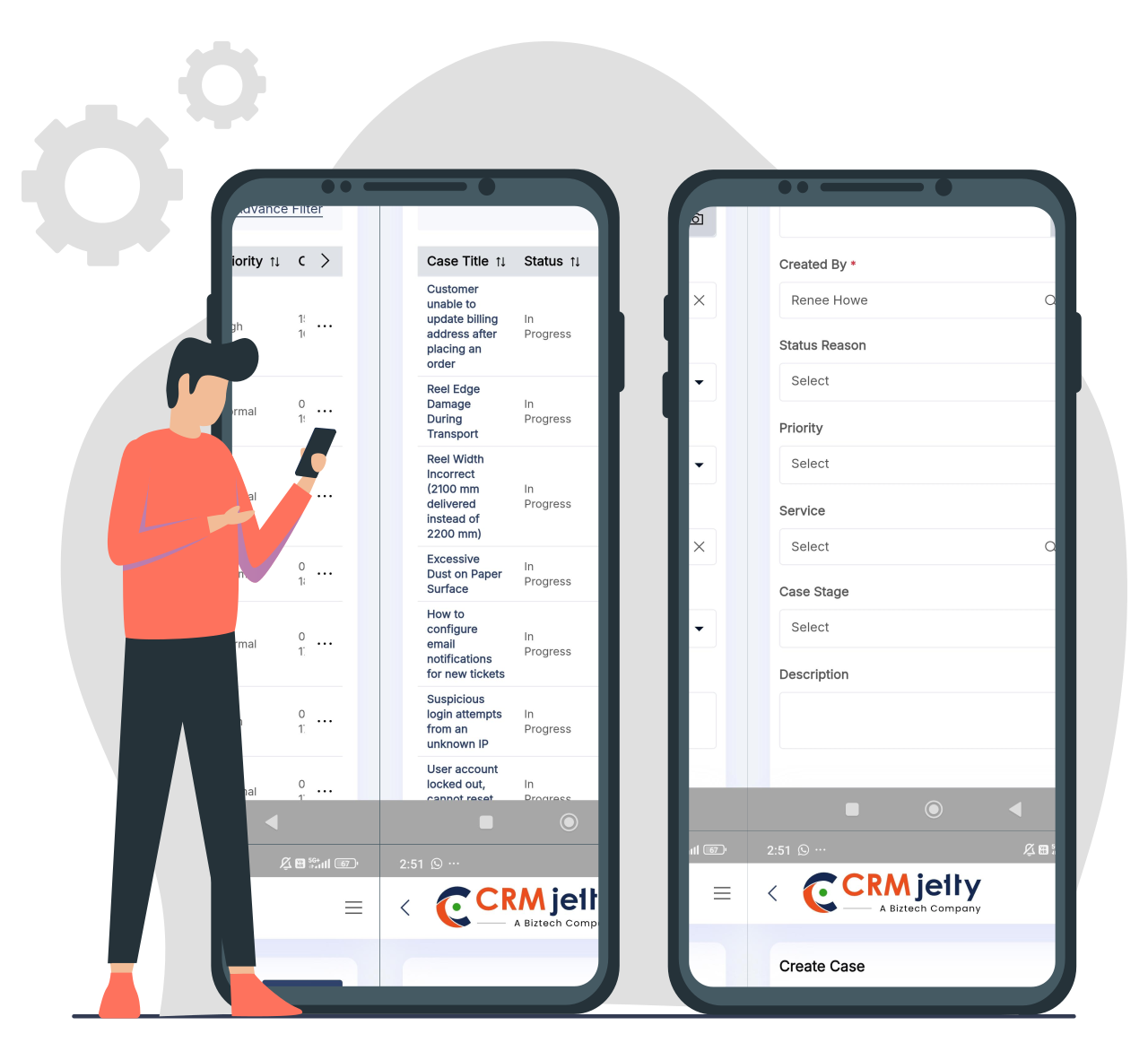
Browse, search, and sort records effortlessly through mobile-friendly lists and detail screens. Users can submit forms, edit information, and take quick actions through clean, optimized layouts built specifically for mobile productivity.

ui-editor

Secure Document & File Handling

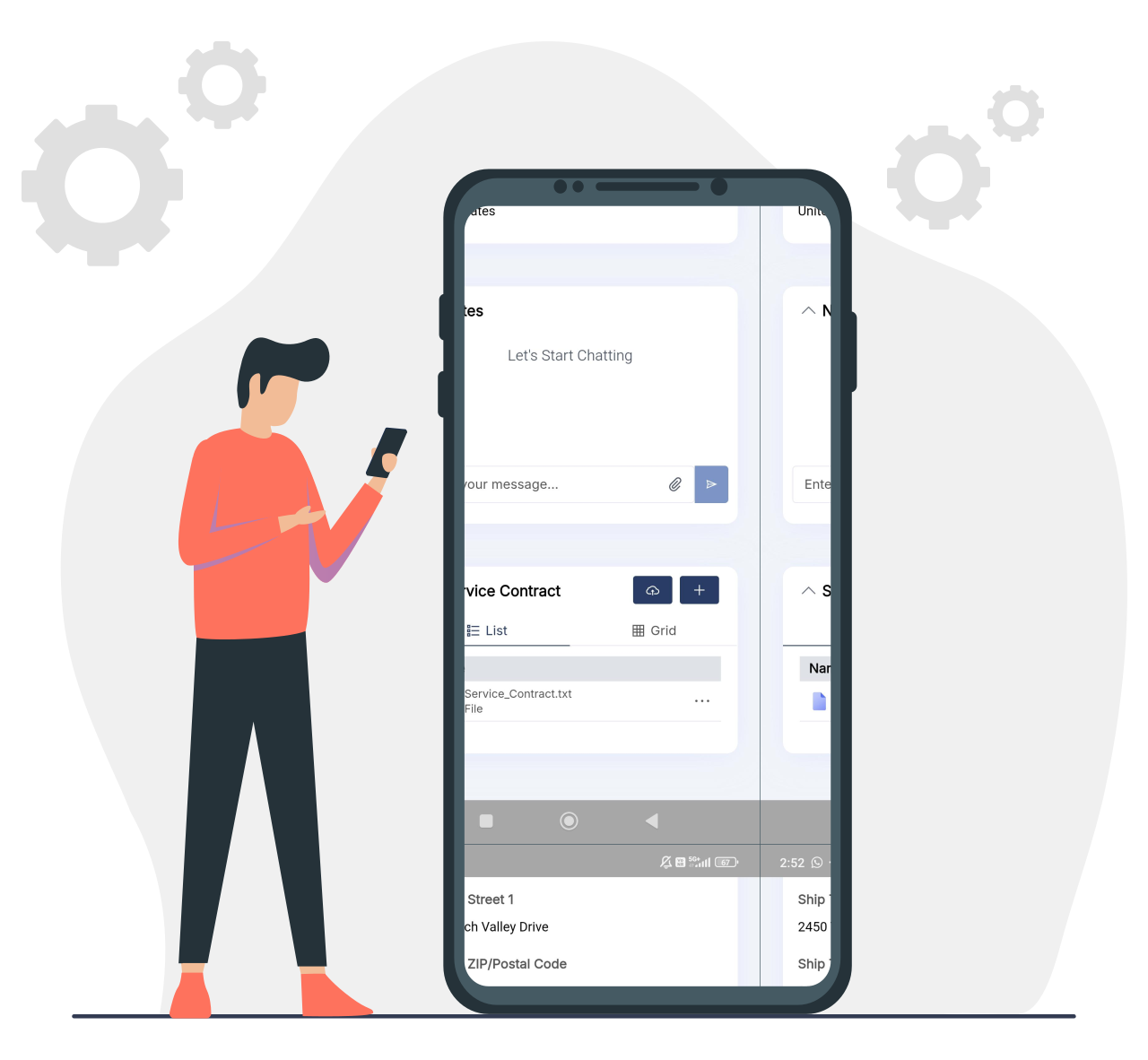
Allow users to upload photos, documents, and attachments directly from their phones. They can access CRM-linked files anytime and securely share documents with customers or partners, streamlining workflows for field teams and remote users.

ui-editor

Real-Time Task & Activity Tracking

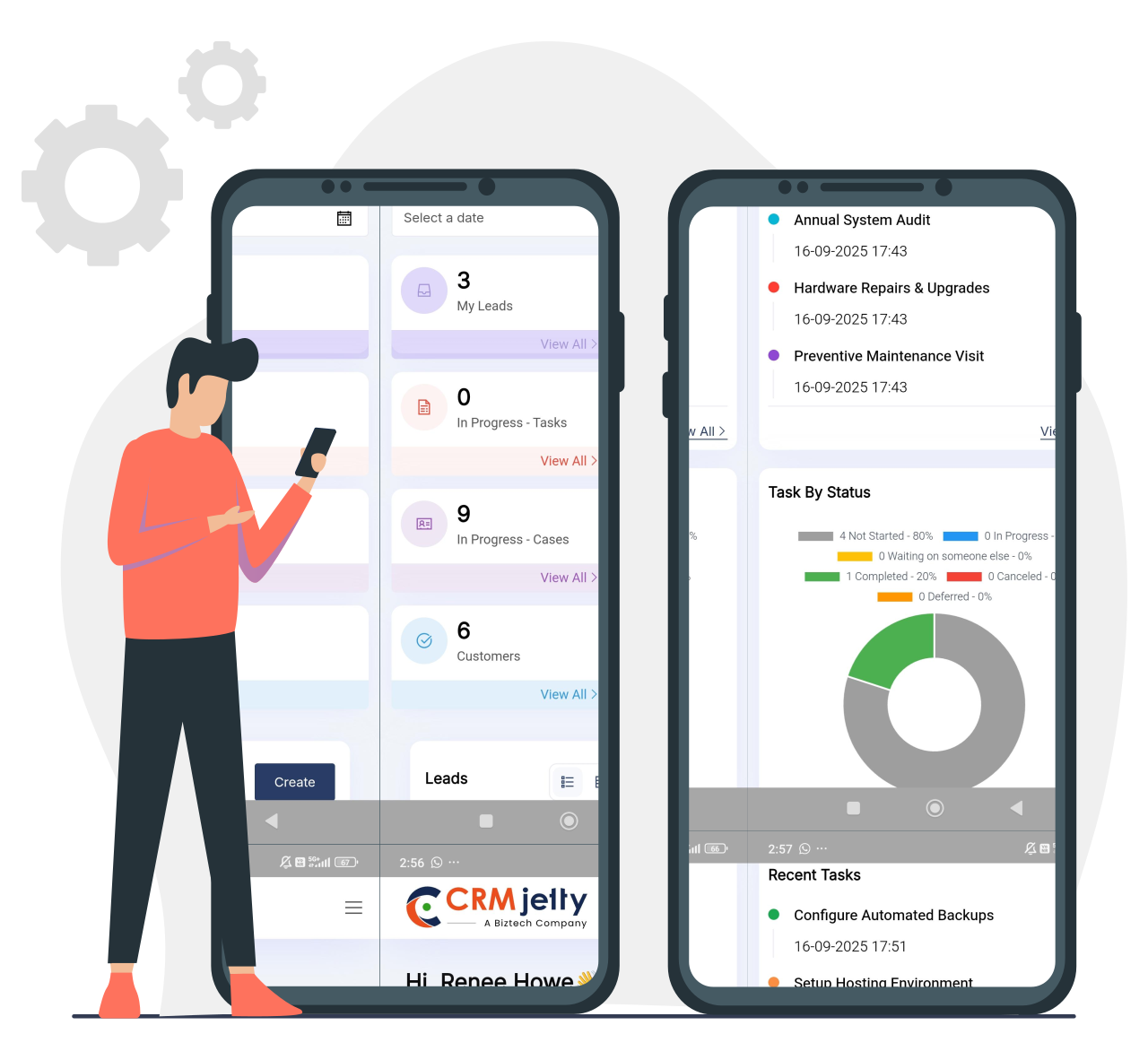
Keep work moving with instant task updates, quick follow-ups, and activity creation from anywhere. Users can view assignments, update statuses, and log interactions immediately—reducing delays and improving team responsiveness.

ui-editor

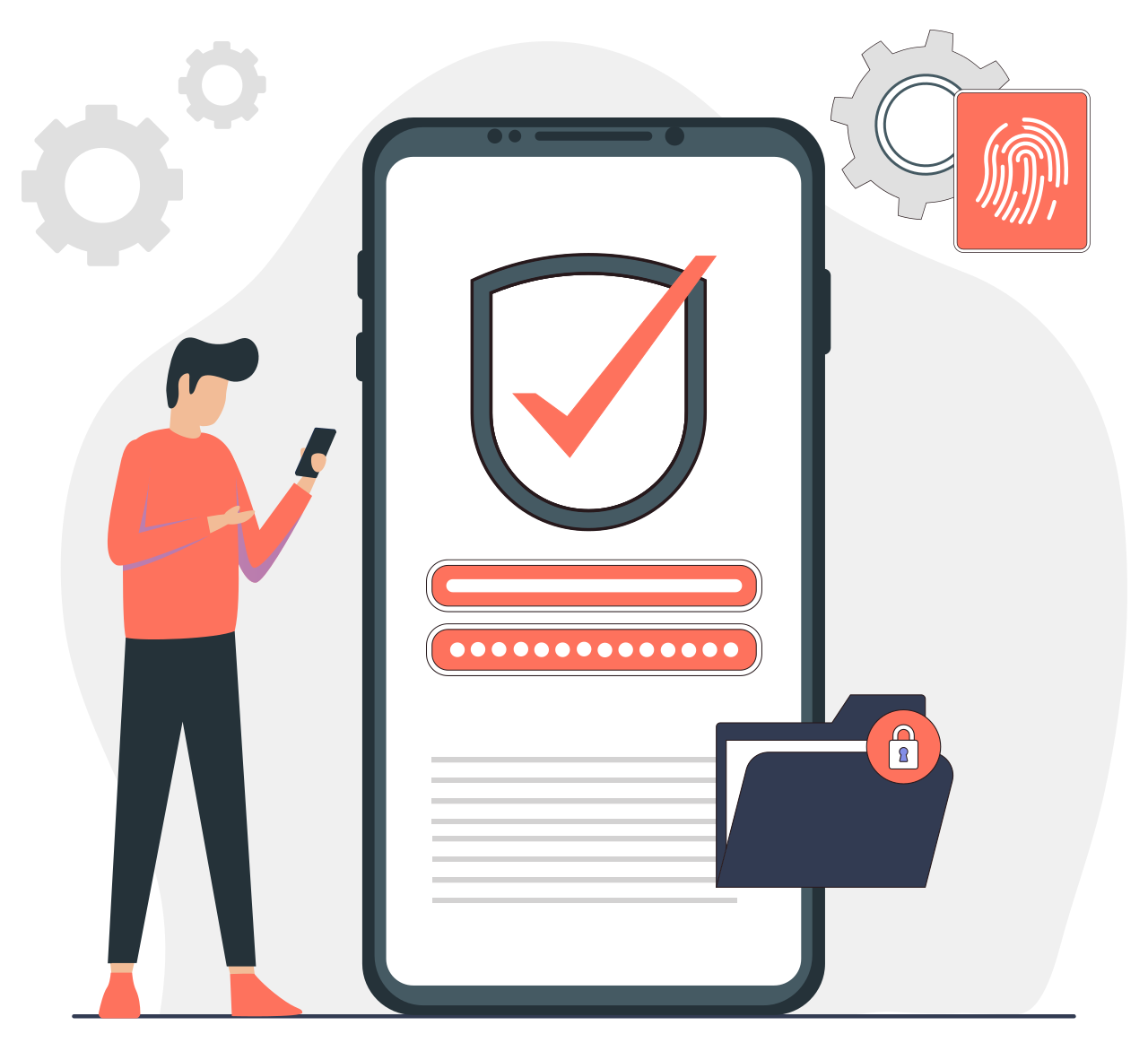
Enterprise-Grade Security & Role Control

Protect every interaction with secure authentication, encrypted communication, and strict role-based access. Users see only what’s relevant to their role, ensuring safe, compliant access across all mobile interactions.

Use Cases for CRMJetty Mobile App

settings
Field Sales Teams

Capture leads, update deals, and log activities instantly from the field. Upload documents and stay connected to CRM data for faster customer engagement.

settings
Service Technicians

Manage cases on-site with quick status updates, photo uploads, and document attachments. Resolve issues efficiently without needing to return to a desktop.

settings
Partners & Brokers

Access assigned leads, deals, and documents anywhere. Stay updated on approvals, submissions, and shared records in real time.

settings
Customers

Submit forms, track service cases, and upload required documents directly through the mobile app for seamless self-service.

settings
Consultants & Auditors

Record findings during site visits, upload compliance documents, capture photos, and track corrective actions instantly.

settings
Real Estate Agents / Property Managers

Update property details, add images, log client visits, upload agreements, and manage bookings on the go.

CRM Portal Mobile App Release & Deployment Support

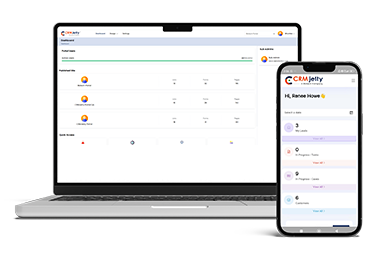
This mobile app gives your portal users anytime, anywhere access to your portal data with the same capabilities as the web version, offering a seamless, mobile-first extension of your portal experience. Our team will also help you prepare and publish your branded mobile app on the App Store and Google Play Store, including the associated costs and implementation efforts.
CRM Portal Mobile App Release & Deployment Support

Looking for a Complete Portal Solution?

Every mobile app experience starts with a strong web portal foundation. If you’re looking to build a secure, scalable customer or partner portal as your primary interface, explore our web portal solutions designed for Salesforce and Dynamics 365.

Need a Customer Portal Solution?

Build a secure, self-service customer portal to manage cases, orders, invoices, documents, and more; fully integrated with your CRM and tailored to your business needs.

Need a Partner Portal Solution?

Enable partners to register deals, manage leads, access shared resources, and collaborate efficiently through a dedicated partner portal built on your CRM platform.

Barry Hill
Barry Hill
I highly recommend Sales port – A Customer Portal for WordPress. It has provided us with a very functional Customer Portal allowing our customers... Read More
Tony Karim
Tony Karim
We contacted the Biztech team for their expertise with SugarCRM, WordPress, and PHP. They completed a project for us which integrated our CRM to a Payment...
Sander Remans
Sander Remans
Sander Remans
Realtime, secure and streamline customer information sharing. Facilitating secure information sharing with customers is crucial for us as an escrow agent.... Read More
Dale Smith
Dale Smith
Dale Smith
SalesPort Customer Portal by CRMJetty is highly recommended for anyone wanting to integrate WordPress and Salesforce beyond web-to-lead forms. I have been... Read More
Daniel Dahlen
Daniel Dahlen
I reached out to Biztech to help me set up a WordPress frontend portal for my SuiteCRM instance. Biztech appeared to have the best solution available and...

Reviews From Some Of Our Clients

Reviews that highlight the trust, value, and impact we deliver through our tailored solutions.

Portfolio

Asendia

They provide mail and parcel delivery services for companies that sell internationally. ...

Forbes Marshall

Forbes Marshall is a multinational engineering company, specializing in steam engineering and control instrumentation.The company manufactures steam engineering ...

Digicert

DigiCert, Inc. is a digital security company headquartered in Lehi, Utah. As a certificate authority (CA) and trusted third party, DigiCert provides public ...

Case Study

FAQs:

1. Who can use the CRMJetty Mobile App?

The mobile app is designed for Salesforce and Microsoft Dynamics 365 users who have access to a CRMJetty Portal. Only portal users can log in — direct CRM users or non-portal users cannot use the app independently.

2. Is the CRMJetty Mobile App a native application?

Yes. The app is a fully native mobile app available on both Android and iOS, offering smooth performance, fast data access, and device-level capabilities such as camera and file uploads.

3. Does the app support multiple portals or tenants?

Yes. The CRMJetty Mobile App supports multi-tenant environments, enabling businesses to manage multiple portals (regions, brands, user groups) within a single app.

4. Can users upload and manage documents from their mobile devices?

Absolutely. Users can upload, view, and securely share documents, images, and files directly from their mobile devices. All files are stored securely and linked to appropriate CRM/portal records.

5. Does the app support multiple languages?

Yes. The app is multilingual, allowing businesses to engage a global audience with portal content available in different languages, configurable by the business.

6. How secure is the CRMJetty Mobile App?

The app uses role-based access, secure authentication, and encrypted communication. Public and private pages ensure sensitive information is visible only to logged-in, authorized users.

7. Can the CRMJetty Mobile App be fully white-labeled for my business?

Yes. The CRMJetty Mobile App can be completely white-labeled with your brand name, logo, colors, and theme. You can publish it on the App Store and Google Play under your company’s identity, and our team assists with the entire setup and submission process.

To Top
Contact Us